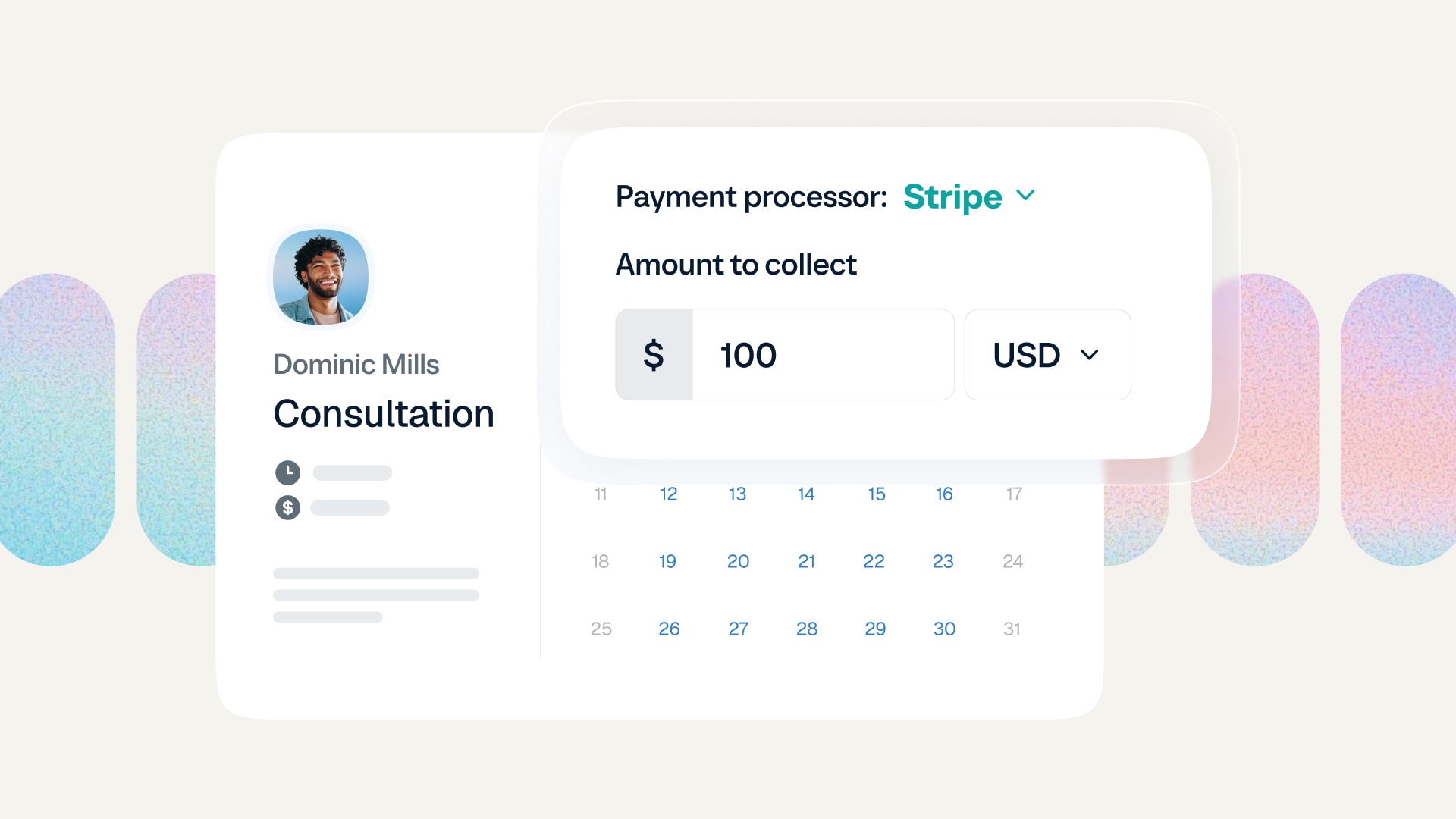
If you run a service-based business, most of your work doesn’t happen in a single meeting. You meet with clients over multiple coaching sessions, consulting check-ins, or tutoring lessons.
But the admin adds up: you have to invoice after every session, track how many meetings are left, and remind clients to rebook. And your revenue depends on whether they follow through.
Coaches, consultants, tutors, and trainers have asked for a better way to sell multi-session packages via Calendly.
Now, it’s here.
With Calendly meeting packages, you can sell session bundles, collect payment upfront, and let clients schedule their appointments over time using your existing booking flow.
It’s a simpler way to get paid — especially if repeat sessions are central to your business.
What are meeting packages?
A meeting package (also known as a session bundle or appointment package) is a set number of sessions or meetings that a client purchases upfront and books over time.
Instead of paying for each appointment individually, the client commits to a bundle. That might look like:
Six executive coaching sessions
Ten tutoring lessons
A three-session tax planning package
Eight personal training sessions
What are Calendly meeting packages?
Calendly meeting packages let you create and sell session bundles directly from Calendly, using the Stripe integration to process payments.
To set up meeting packages, you’ll select one of your existing one-on-one Event Types, like an hour-long coaching session. Instead of clients booking and paying for one session at a time, you choose how many appointments you want to sell as a bundle.
From there, you can customize the package details — including name, description, and price — share the link with clients, and get paid upfront. After purchasing a package, clients can book sessions at their convenience via your Calendly booking flow.
There’s no need for separate tools or spreadsheets for invoicing, session tracking, and scheduling. Everything lives in one place.
Pro tip
If you need to request payment for something outside of a scheduled session — like a project fee, document review, or add-on service — you can create custom payment links directly in Calendly. Learn more.
What types of businesses sell meeting packages?
Meeting packages are ideal for anyone who works with clients across multiple sessions, including:
Coaches offering multi-session programs
Consultants running ongoing engagements
Financial advisors meeting several times during tax season
Tutors and educators selling lesson bundles
Wellness professionals offering ongoing sessions
Trainers and instructors selling class packages
Any other service professionals with returning clients!
If recurring sessions are part of your business model, selling packages can make your revenue more predictable and your client experience more seamless.
Why sell packages instead of one-off appointments?
If you offer recurring services, selling session bundles is strategic and convenient for you and your clients.
Here’s why:
1. Encourage commitment and improve client retention
When clients buy one session at a time, there’s always a decision point after each meeting: Do they book again? If not, how much time and resources do you spend following up and trying to get them to rebook?
When someone buys a bundle, they’ve committed to the process from the start. That consistency often means less time spent on follow-ups, more reliable revenue, and stronger long-term relationships.
2. Create a built-in incentive to buy more
There’s also a marketing advantage: It’s easier to promote a program than a standalone session.
Meeting packages give you a natural way to encourage clients to commit to more sessions at once. For example, you might discount five sessions for the price of four, or bundle a six-session program at a slightly reduced rate.
3. Get paid upfront and protect your time
Selling meeting packages means you collect payment before the work begins. And when a meeting is paid for in advance, clients are more likely to show up.
That leads to steadier cash flow, less time spent sending payment reminders, and fewer last-minute cancellations.
4. Make payment and booking easier for clients
With meeting packages, clients purchase once and schedule their sessions through the same Calendly flow they already know. They can book all their sessions at once or space them out over time. There’s no repeated checkout process, no confusion about what’s included, and no back-and-forth about payment.
You can also offer multiple payment options, including major credit and debit cards, Apple Pay, Google Pay, instant bank payments via Link, and “buy now, pay later” options. That added flexibility makes it easier for clients to say yes.
5. Simplify your tools and workflows
Session bundles create a simpler experience on your side, too.
Instead of juggling scheduling software, a payment processor, a spreadsheet to track remaining sessions, and manual follow-ups, you can manage everything in one place. Meeting packages live inside the Payments tab in Calendly, where you can view offerings, track transactions, and see package statuses at a glance.
With fewer moving parts, you make more space to connect with clients and grow your business.
How to sell multi-session packages with Calendly
Meeting packages are created and managed within the Payments tab in your Calendly account. If you haven’t done so already, you’ll need to connect your Stripe account to create meeting packages.
If you don’t see the Payments tab, make sure your Stripe integration is connected.
Once you’re connected to Stripe, creating your first meeting package takes just a few minutes:
From the Payments tab, select Create > Meeting package
Enter your package details (name, custom header image, package description)
Select the Event Type you want to use for your package
Determine the number of sessions included
Click Continue
Add the price, currency, and optional payment terms, like a cancellation policy
Click Continue
(Optional) Edit your confirmation message and customize the confirmation email
Click Create
Once you create your meeting package, copy the link and share wherever you’re offering your services: on your website, via email or text, in your social media bios, and more.
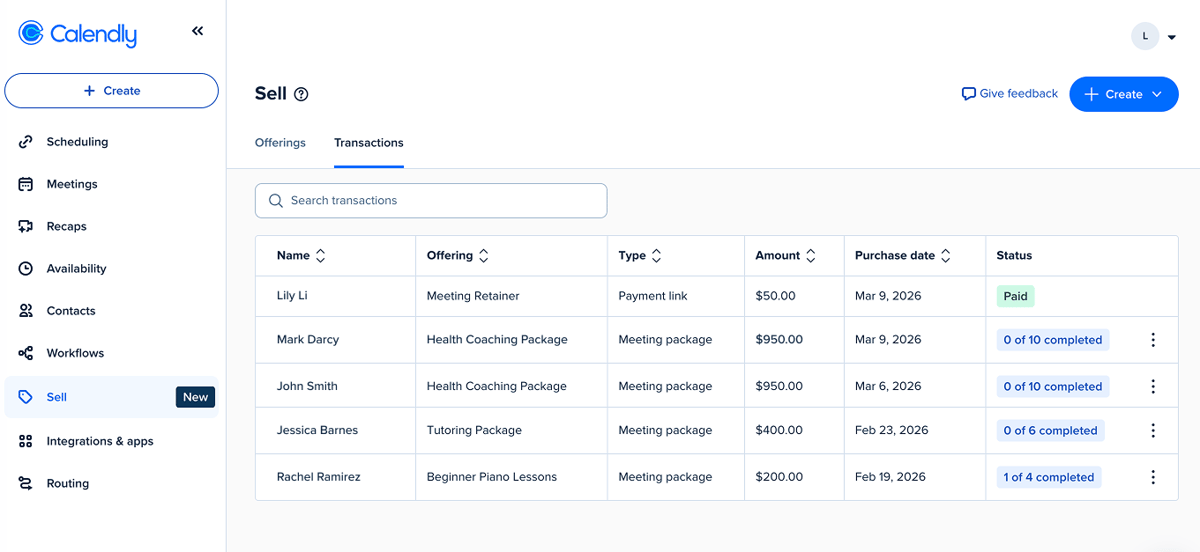
From the Payments tab, you can view and edit your meeting packages within the Offerings view, and use the Transactions view to see purchase details and package statuses.
What do clients see after they purchase?
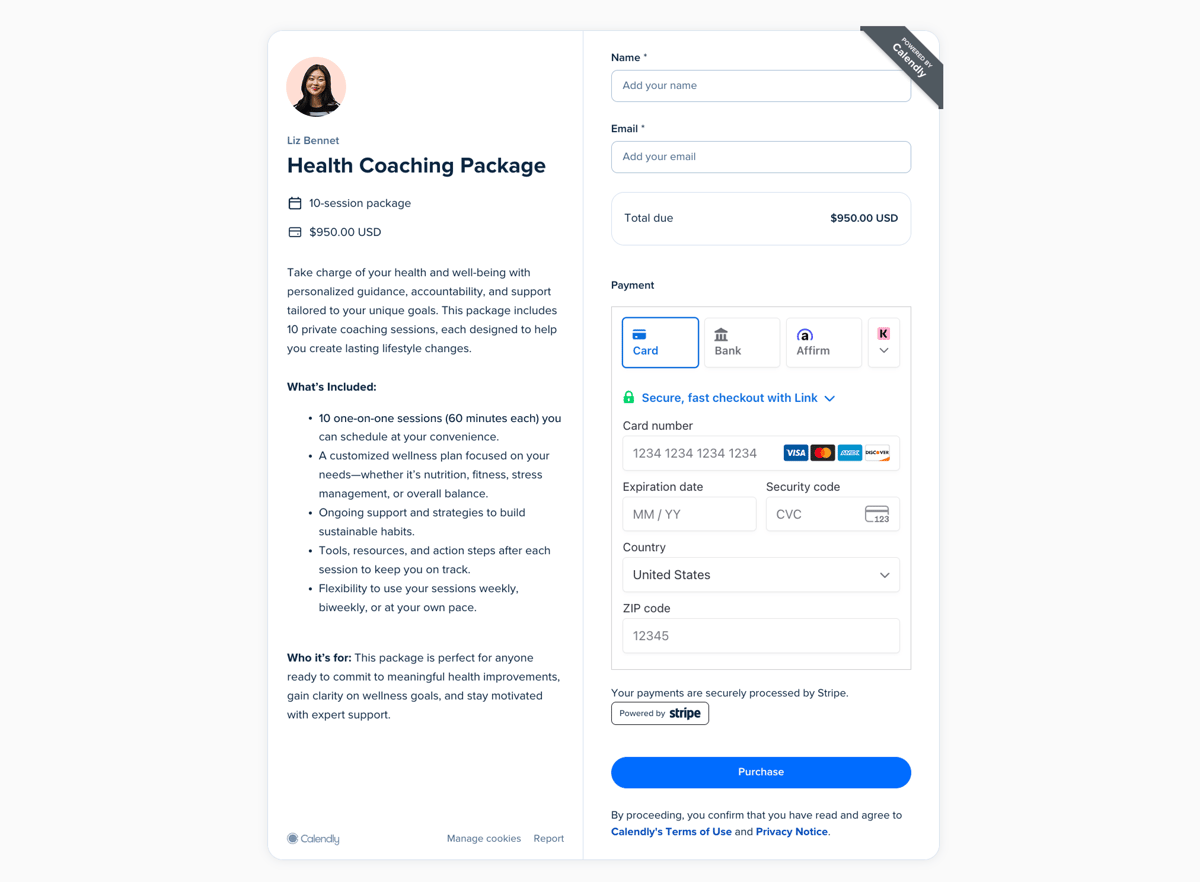
Clients open your package link to view details, enter their name and email, and submit their payment.
After paying, they’ll see a confirmation page with their purchase summary, your confirmation message, and a button to schedule their first session. They can book additional sessions immediately, or book their remaining sessions later through a unique link in the confirmation email.
For a full step-by-step tutorial and FAQs, visit our Help Center.
A simpler way to get paid
Meeting packages are available on all paid Calendly plans. Once you connect your Stripe account, you can create your first meeting package in just a few clicks.
Get paid upfront, sell more sessions, and offer a smoother client experience — all without juggling multiple tools or manual spreadsheets.
Get started with Calendly
Ready to make meetings easier than ever?