
Conversational scheduling. No extra tools required.
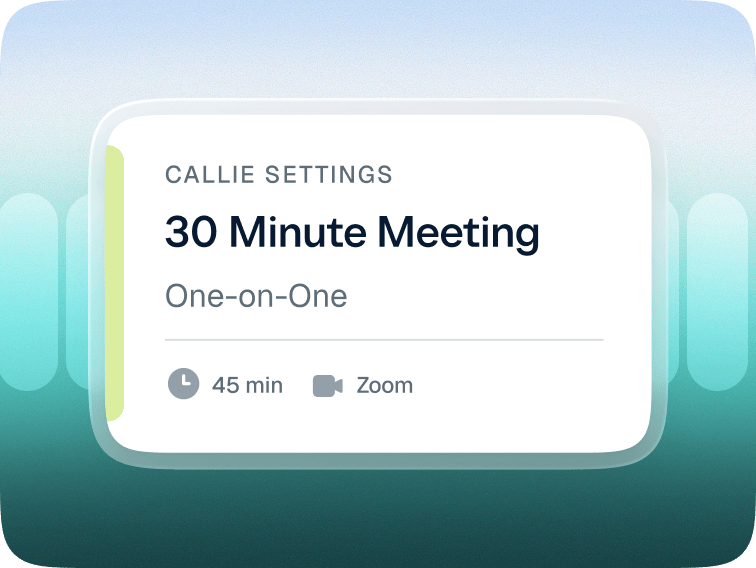
01 — Set default meeting details for Callie to use when scheduling for you, like a 30-min one-on-one Zoom call. Callie can still make changes later.
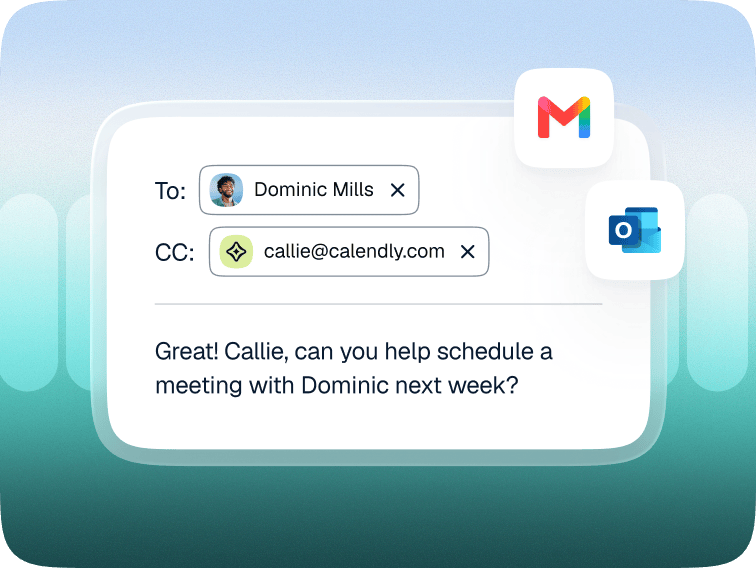
02 — Add Callie to an email thread any time you need to schedule a one-on-one meeting with someone. Send a quick note like, “Callie, help us find time next week.”
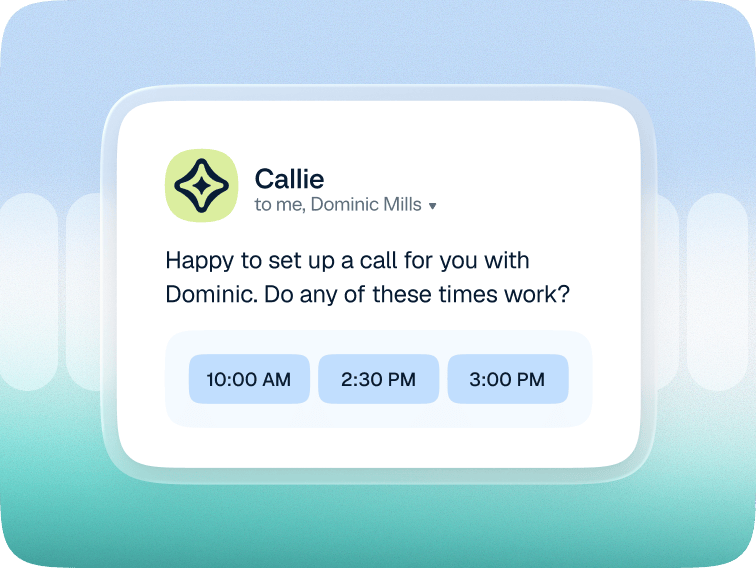
03 — Callie reviews and responds with times based on your calendar and preferences. If everyone uses Calendly, Callie highlights mutual availability.
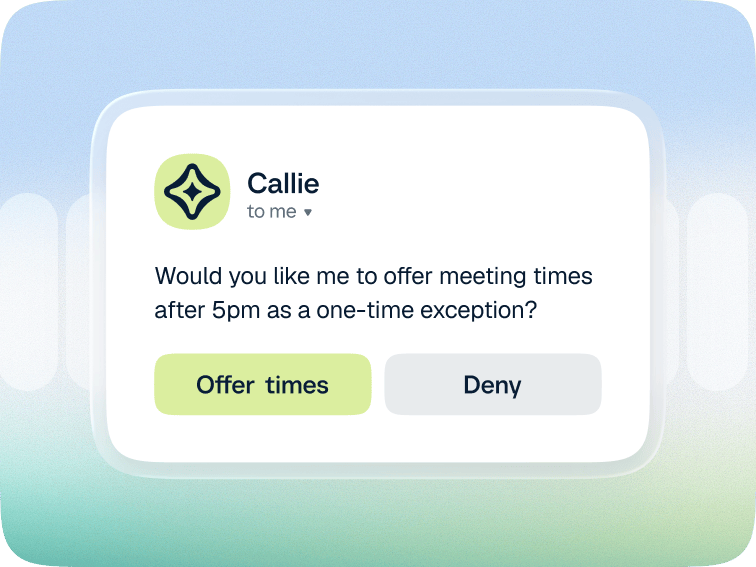
04 — Callie handles real-time changes so you don’t have to — changing details, extending meetings, or offering special slots — but always checks with you first.
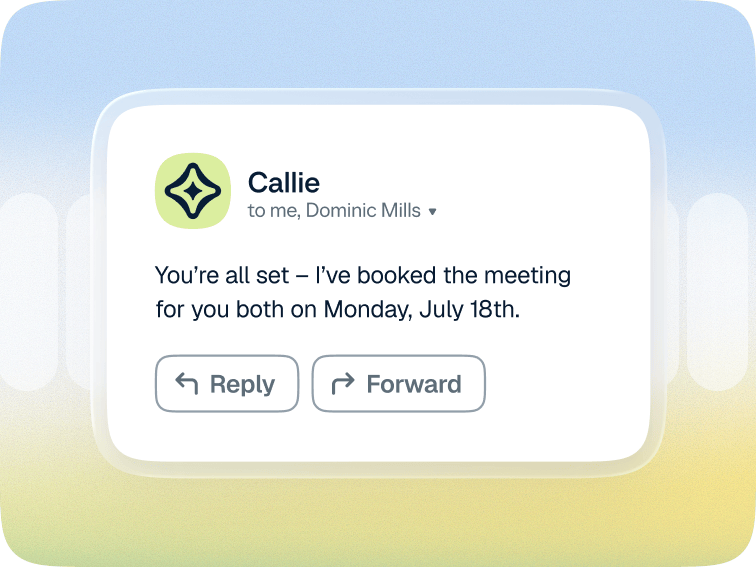
05 — Callie books the meeting for the host and invitee once a time is decided, without anyone having to leave the email conversation.
Conversational scheduling. No extra tools required.
01 — Set default meeting details for Callie to use when scheduling for you, like a 30-min one-on-one Zoom call. Callie can still make changes later.
02 — Add Callie to an email thread any time you need to schedule a one-on-one meeting with someone. Send a quick note like, “Callie, help us find time next week.”
03 — Callie reviews and responds with times based on your calendar and preferences. If everyone uses Calendly, Callie highlights mutual availability.
04 — Callie handles real-time changes so you don’t have to — changing details, extending meetings, or offering special slots — but always checks with you first.
05 — Callie books the meeting for the host and invitee once a time is decided, without anyone having to leave the email conversation.


“Adding Callie means I can basically forget about it and trust the meeting will land on my calendar.”




A 24/7 assistant that goes beyond scheduling

Chat with Callie in Calendly
Ask Callie questions to prep for a meeting, recall past conversation details, or figure out what to do next.

Find what you need fast
No need to dig through meeting recaps or contact profiles, Callie puts the most relevant information front and center.

Always get the full picture
To answer questions, Callie looks across your meeting history, contact details, past interactions, and more.
There’s more to meetings than finding a time
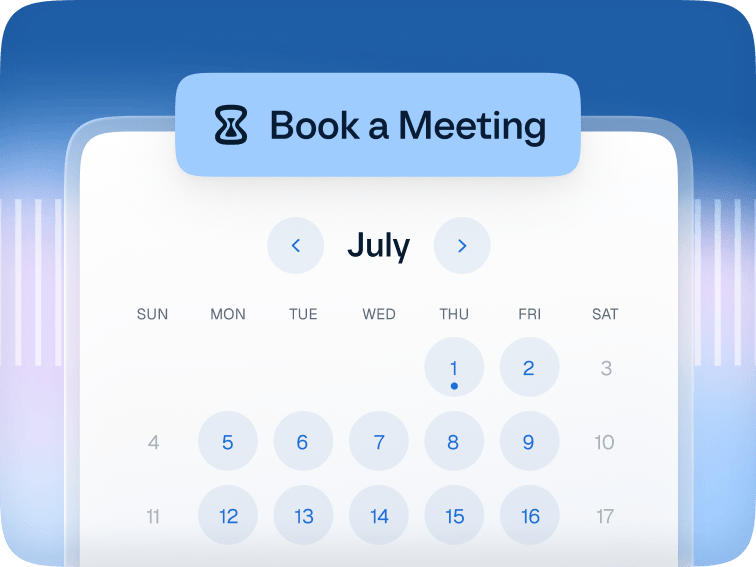
The #1 scheduling tool trusted by over 20M professionals around the world.
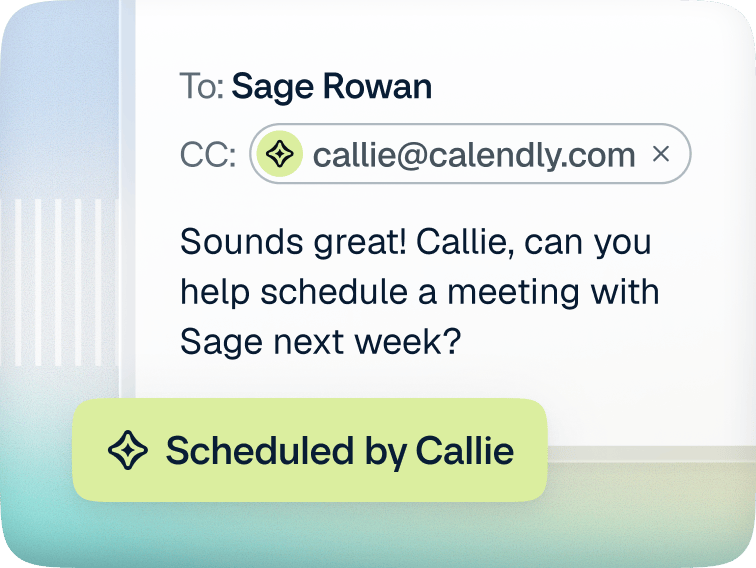
A 24/7 AI assistant that works right from your inbox.
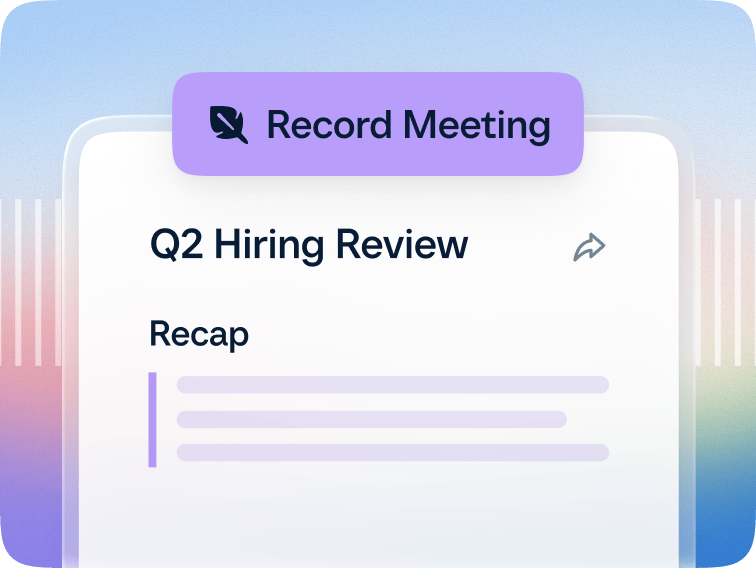
A meeting notetaker that turns every meeting into a recap with clear next steps.
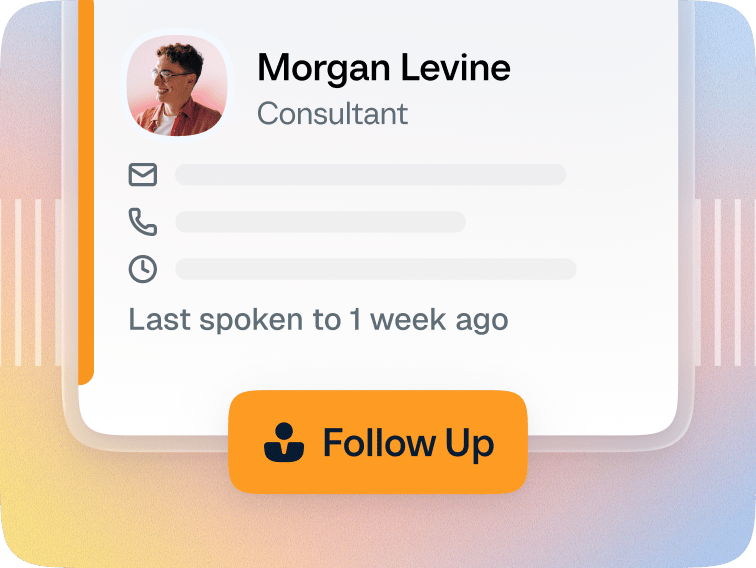
Contact management tools that bring all the details you need into one place.
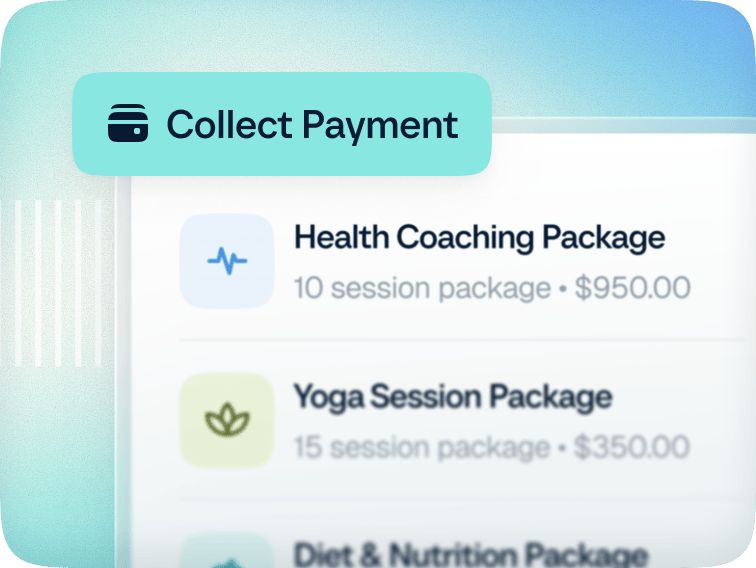
Built-in payment tools that make it easy to sell services and get paid.
There’s more to meetings than finding a time
The #1 scheduling tool trusted by over 20M professionals around the world.
A 24/7 AI assistant that works right from your inbox.
A meeting notetaker that turns every meeting into a recap with clear next steps.
Contact management tools that bring all the details you need into one place.
Built-in payment tools that make it easy to sell services and get paid.